Select the text
Highlight gibberish in any app - chat, form, browser, or document.
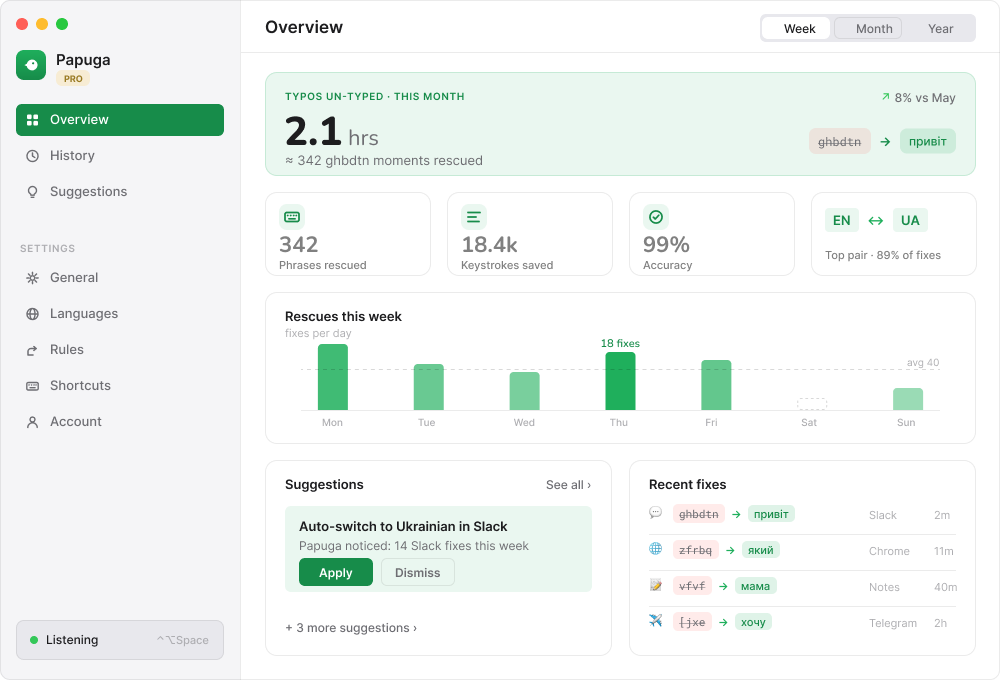
Papuga converts selected text between keyboard layouts instantly - ghbdsn becomes 'привіт' right in the field. No copy-paste circus.
Keystrokes and clipboard text are processed locally. History is kept on-device and there is no account or tracking layer.
Highlight gibberish in any app - chat, form, browser, or document.
Use the default shortcut or your own hotkey.
Papuga converts, pastes the result, and switches your layout.
Add allowlist entries and rules after repeated fixes.
brew install --cask papuga For MCP servers, keep credentials in your local client config. For Mac apps, use the latest release notes as the source of truth for requirements.
Select the text and trigger the shortcut. Papuga converts it between system layouts and pastes the result back.
Papuga builds conversions from active macOS input sources, so custom behavior depends on installed layouts.
Processing happens locally. Still verify privacy copy against the exact behavior of each release.
Yes, the app is free and open source.
The product hub for Diduny, BrowserCat, Papuga, and the rest of the tool shelf now runs on GitHub Pages with valid HTTPS and a real release-update channel.